Step 1: Request to join MyFlightConnect
To start, fill the “Request to join” form: https://app.myflightconnect.com/register
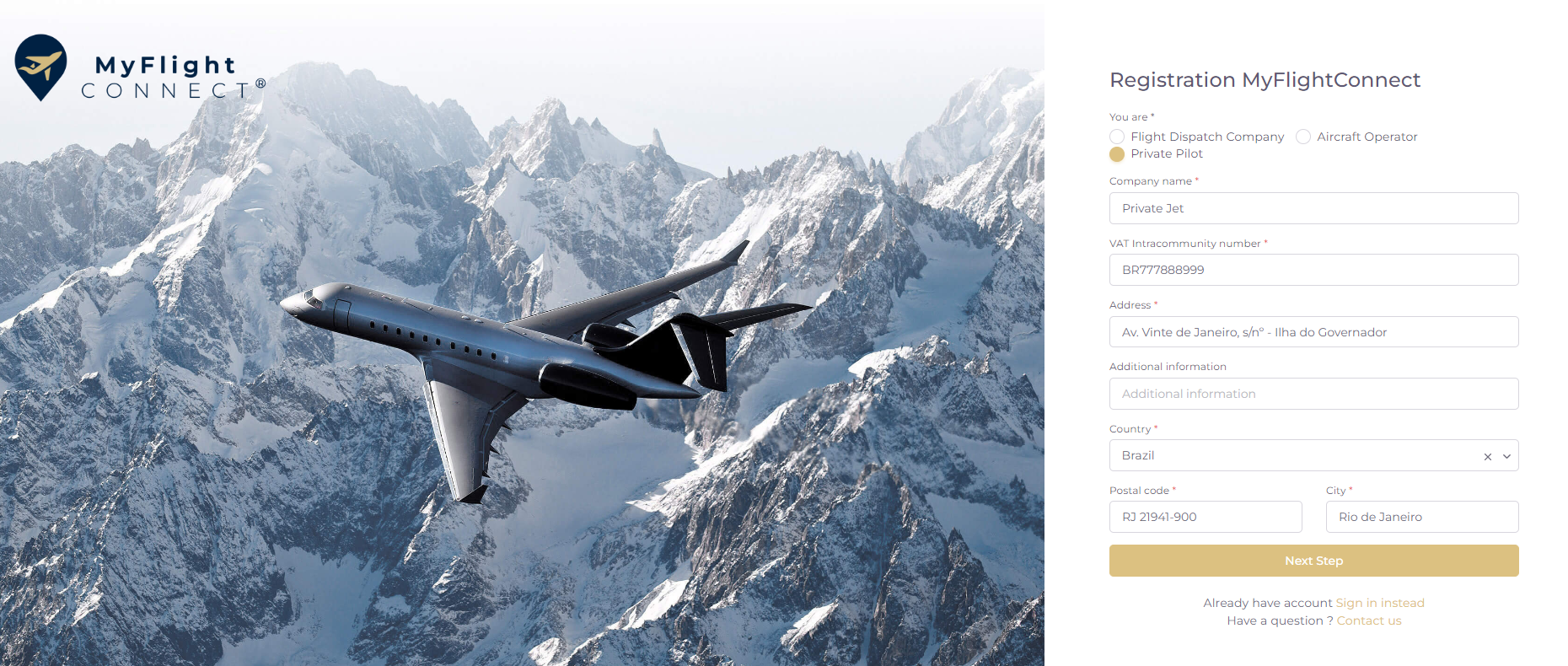
Chose a Customer profile :
-
Flight Dispatch Company
-
Aircraft Operator
-
Private Pilot
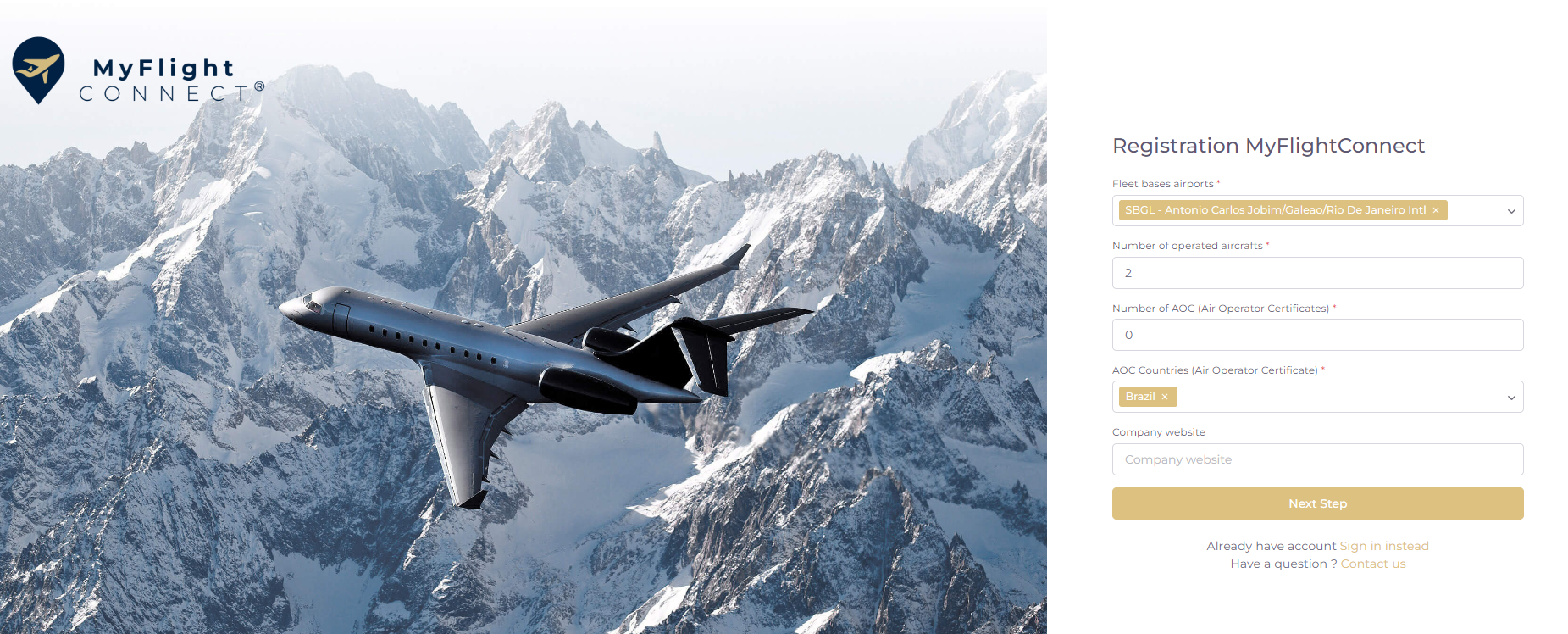
For the number of AOC, if no AOC are used, put zero.
-
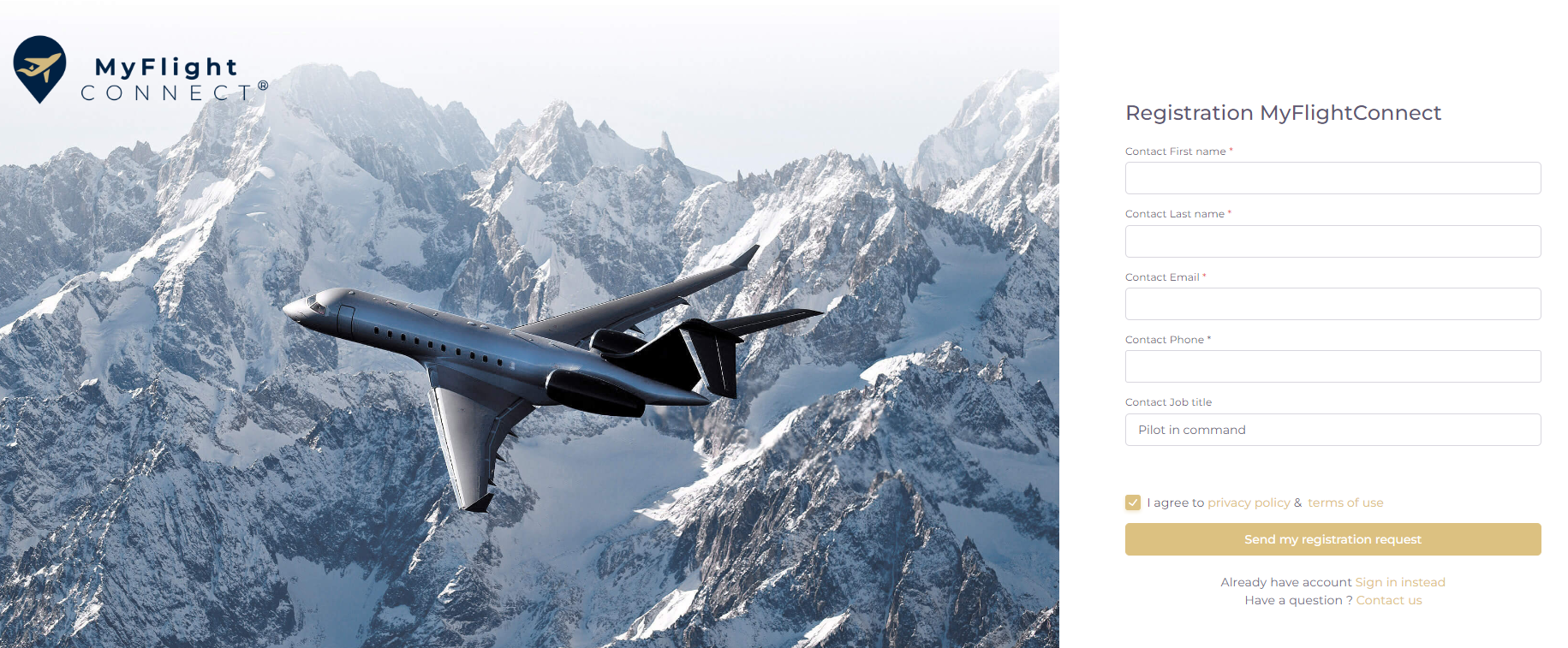
The indicated contact will be assigned with the full User rights.
-
Phone format must be respected
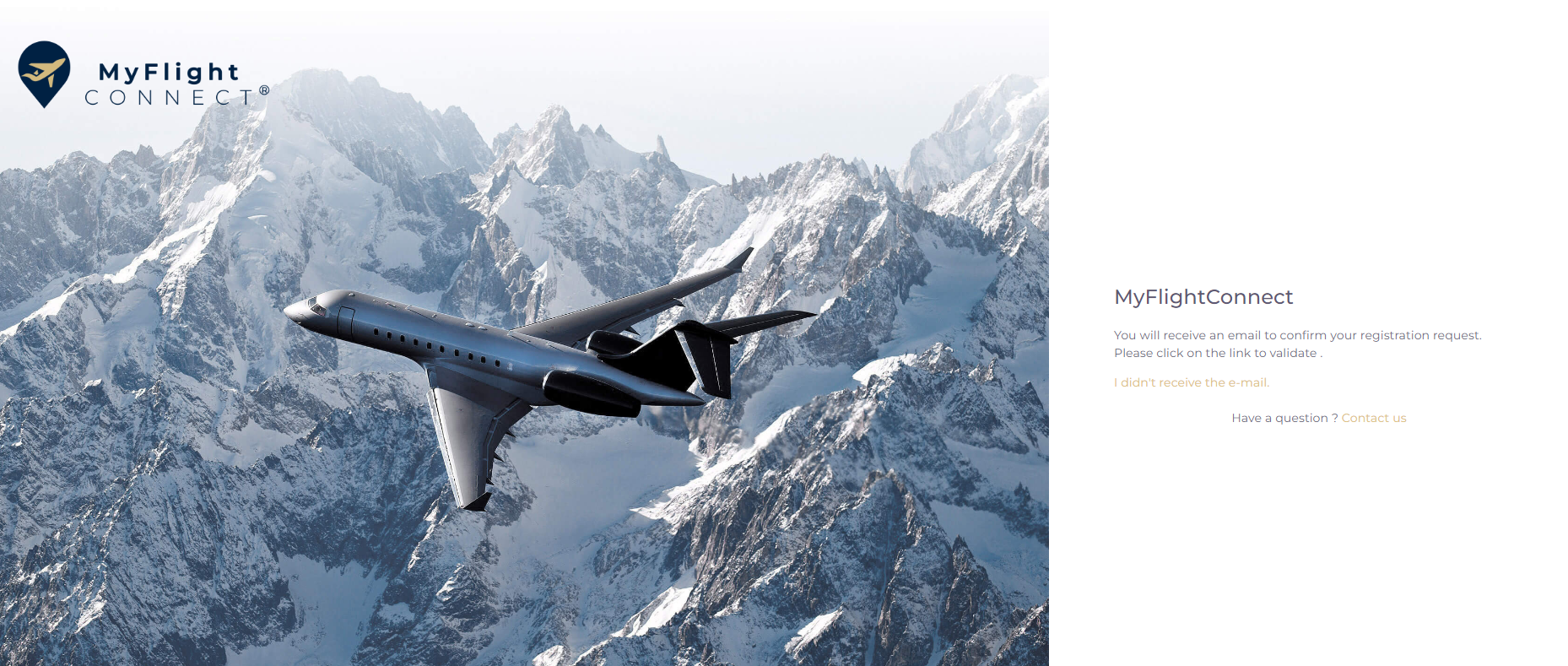
Subscription 1st step successfully ended.
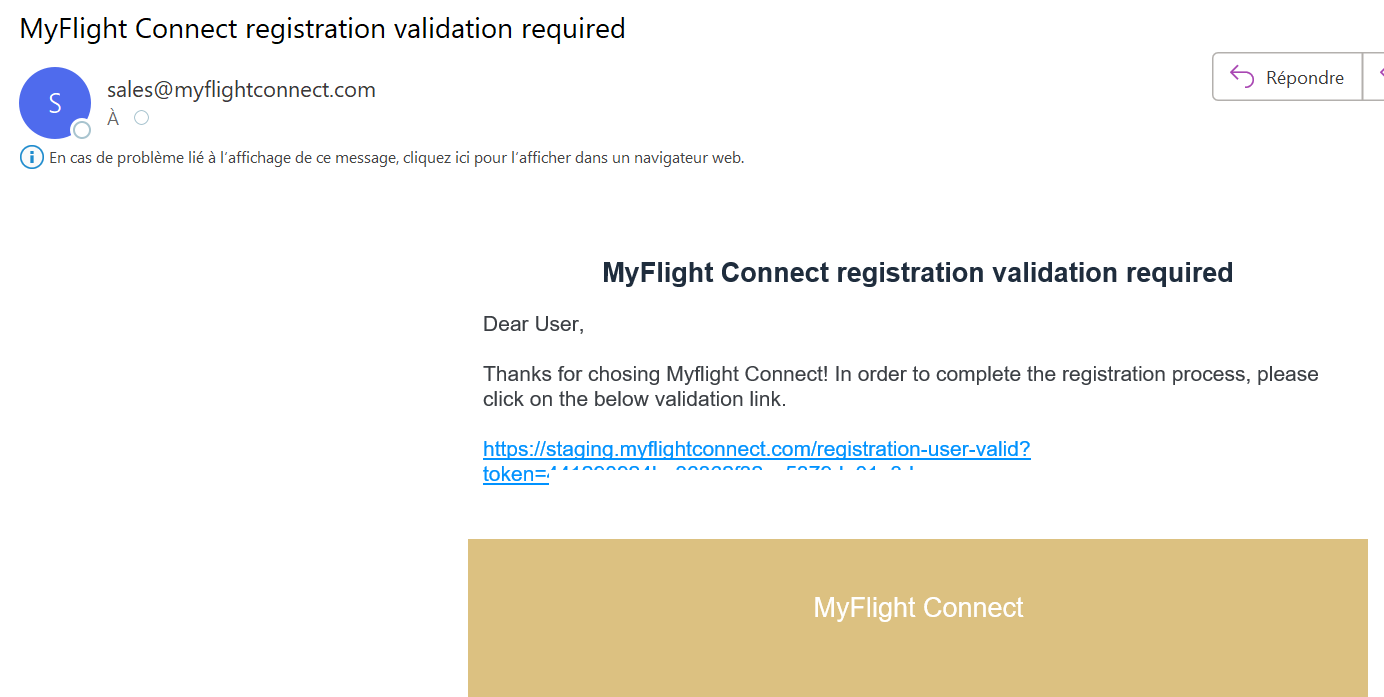
Leave the window open while waiting the message to come and click on “I didn’t receive” if message not delivered.
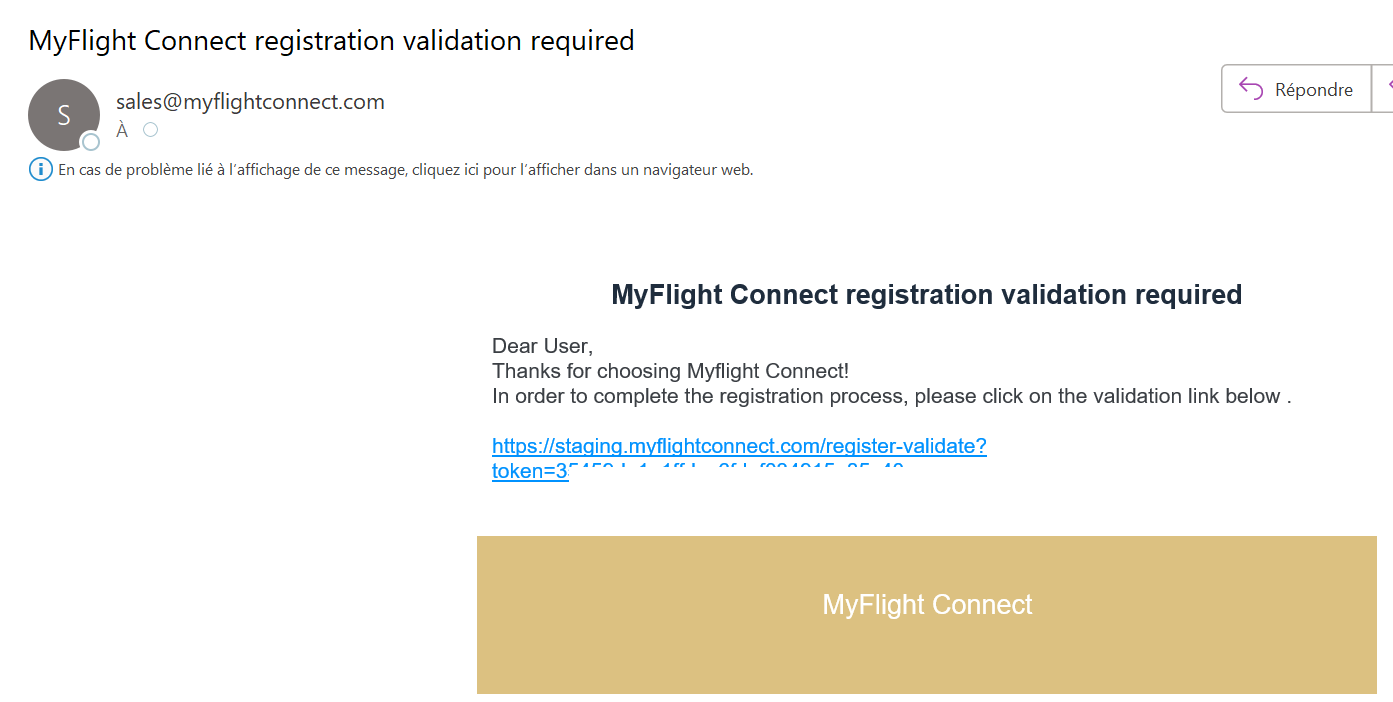
If you don’t receive this message, check your spam e-mails and flag sales@myflightconnect.com to be kept out of spam.
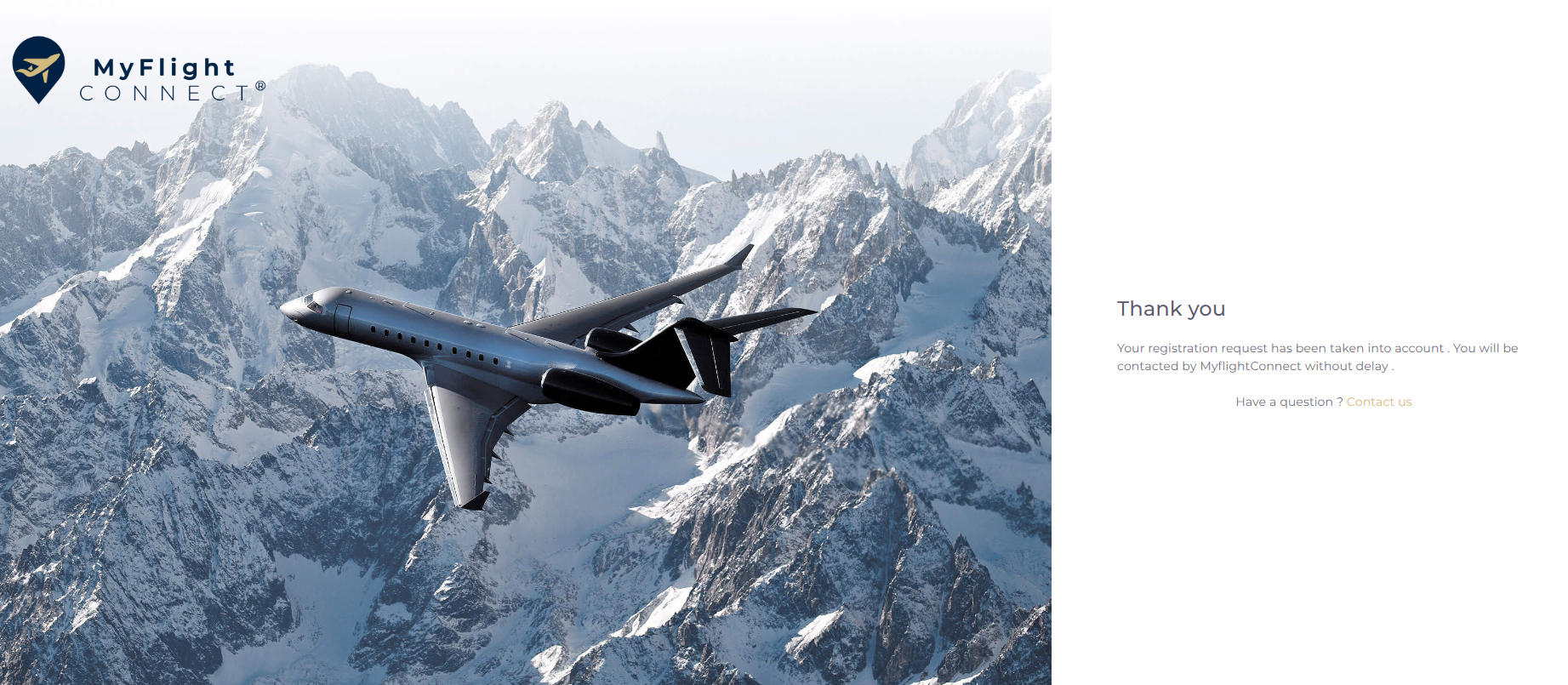
The company has been registered, a subscription offer will be submitted by MyFlight Connect.
Step 2: Validate your subscription offer
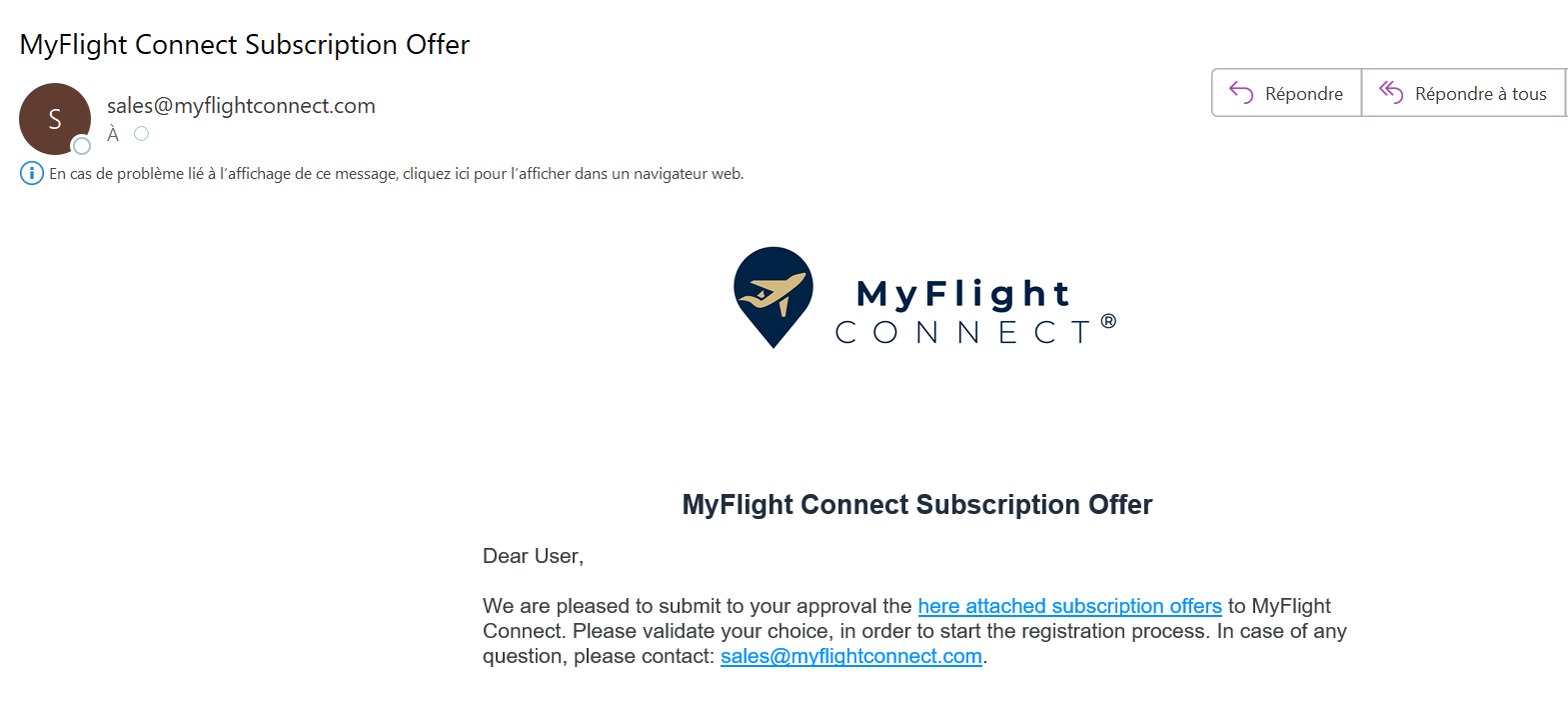
Click on the “here attached subscription offers” link to launch the subscription process.
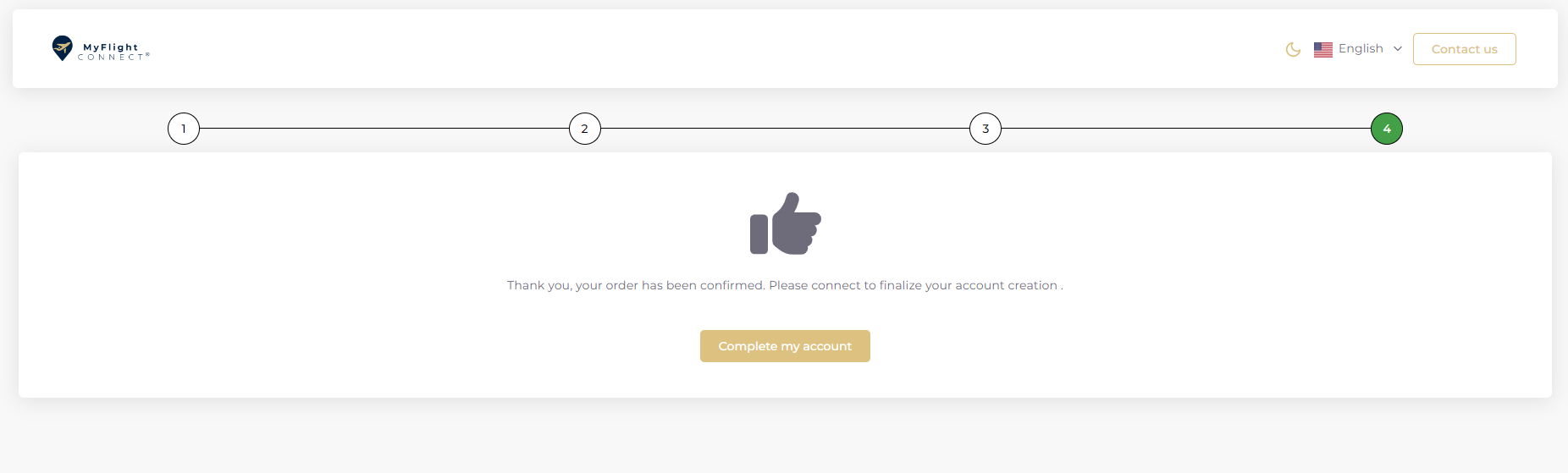
Validate all the required subscription steps.
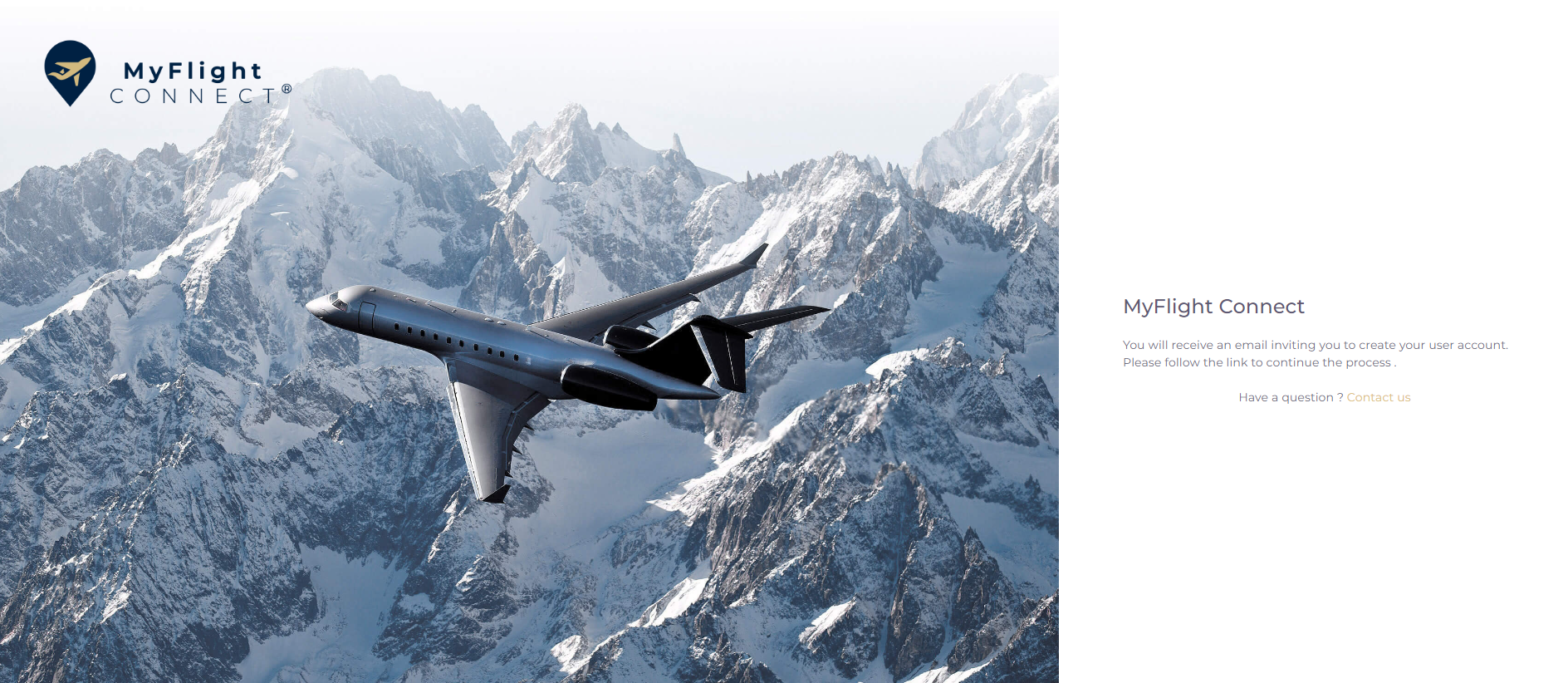
Step 3: Finalize your connection credentials
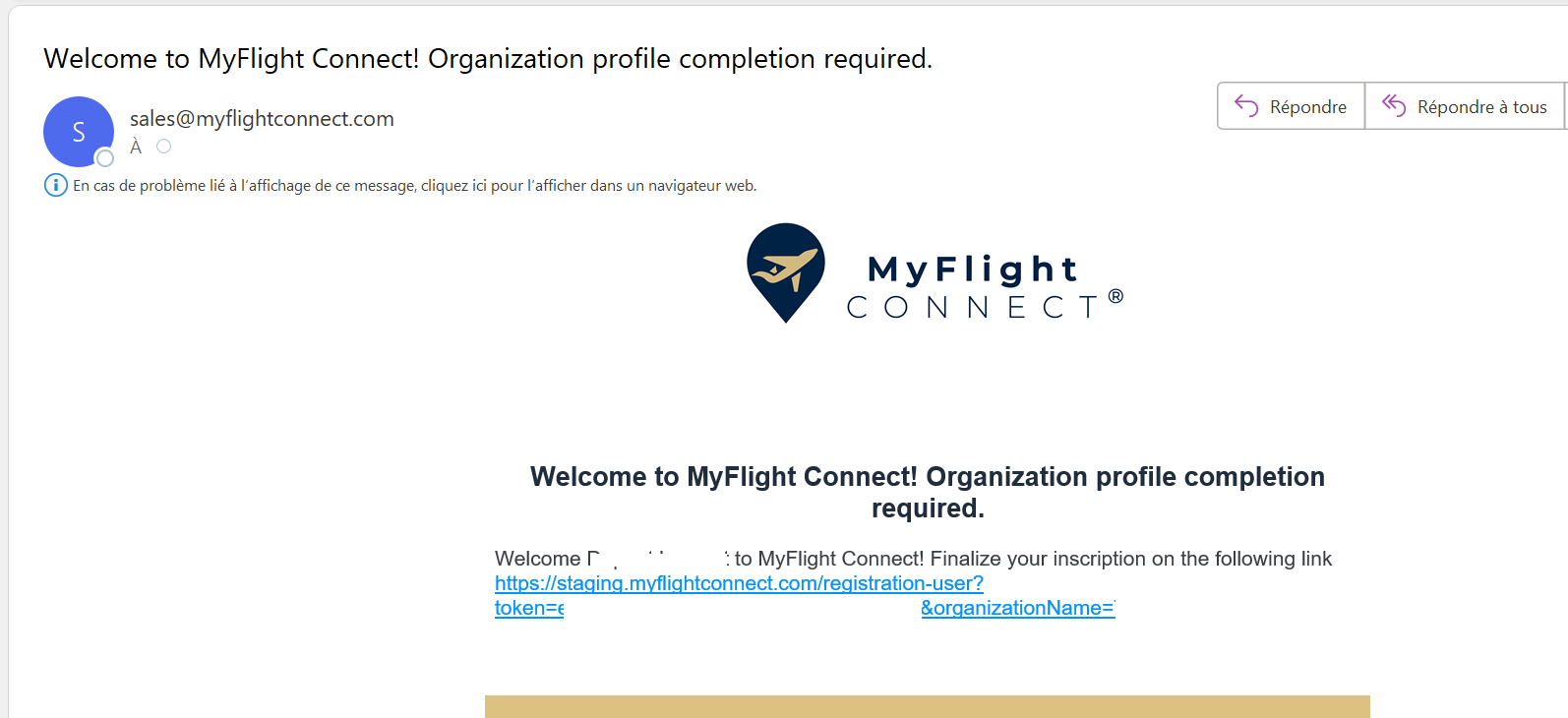
Finalize your subscription through this link.
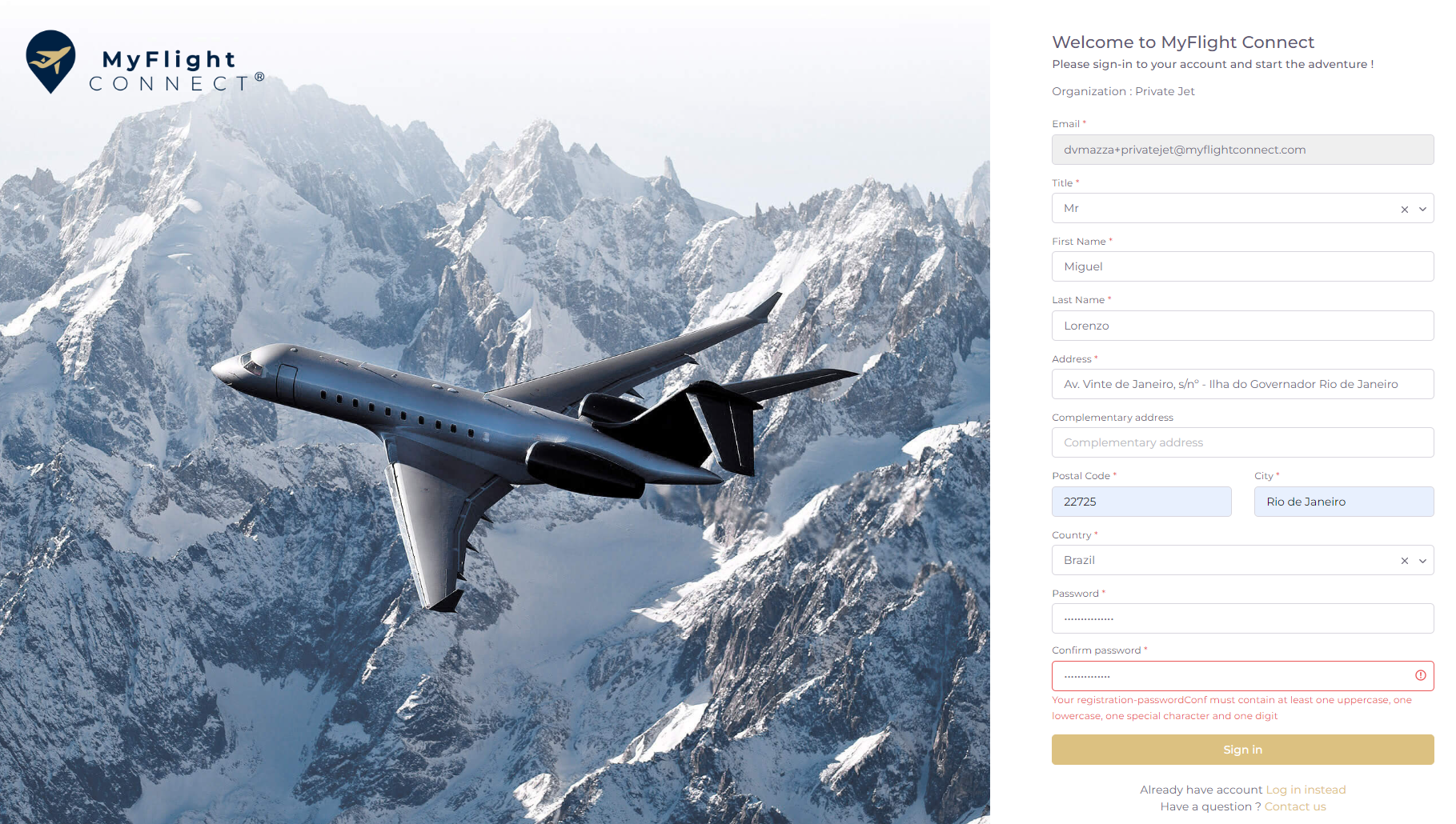
Finalize your subscription by creating your credentials.
Very last step to validate and activated credentials.